
Bridgeport Criminal Court Cases
Connecticut Superior Court creates the public prosecution file after a prosecutor brings charges. That file is distinct from the Bridgeport Police arrest report and from a State Police Bureau of Identification history. It may show the filed charge, arraignment, bond, pleas, motions, court dates, disposition, and sentence. The arresting officer’s first charge can change after review, so the docket is the better source for what the state actually prosecuted.
Bridgeport has no municipal criminal court, and Fairfield County is not a court custodian. Connecticut abolished county government. Court records instead follow the statewide Judicial Branch and the Bridgeport Judicial District. Juvenile Court uses confidential procedures, while youthful-offender matters are excluded from the ordinary public lookup. Those limits are access rules, not evidence that no event occurred.
The local file may overlap with several other sources without duplicating them. Bridgeport Police keeps the alleged facts and booking record. SPBI keeps the statewide identification history. The State’s Attorney maintains prosecution work, and DOC records custody after a transfer. For a question about the plea, disposition, next appearance, or sentence, the Superior Court docket and clerk file are the direct sources.
Bridgeport’s Two Criminal Courthouses
The local split answers a common question: which clerk holds the case? Part A at 1061 Main Street primarily handles class A and B felonies and serious transferred cases. Geographical Area No. 2, also called Part B, at 172 Golden Hill Street generally handles class C through E felonies, misdemeanors, infractions, and motor-vehicle matters. The Division of Criminal Justice court-location page confirms this allocation.
Bridgeport Judicial District
1061 Main Street
Bridgeport, CT 06604
Chief Clerk: 203-579-6527
Public Information Desk: 203-579-6193
G.A. 2 / Part B
172 Golden Hill Street
Bridgeport, CT 06604
Public Information Desk: 203-362-0150
Ask the clerk about the identified docket.
A transferred case may move between these locations. Read the docket suffix and current court field before visiting. Court hours are generally 9 a.m. to 5 p.m.; verify current access with the Judicial Branch courthouse directory.
Part A and Part B also have separate prosecution offices. That local division follows charge seriousness, not the place where Bridgeport Police made the arrest. A class C case may start at G.A. 2, while a more serious matter can proceed at Main Street or transfer later. The present docket location controls where the public should seek the source file.
Searching Bridgeport Case Records
Start at the free Connecticut Criminal and Motor Vehicle Case Look-up. Choose the search that matches the question. A defendant search works when the docket is unknown. A docket-number search is more precise, while the daily calendar shows scheduled appearances. The arrest-warrant route is useful but cannot reveal sealed or not-yet-displayed warrants.
The public interface asks for a small set of identity or case fields. Use a birth date to separate common names, and confirm the court and charge rather than relying on a name match alone.
| Search field | Use | Required |
|---|---|---|
| Last name | Primary defendant search field | Yes for name search |
| First name | Narrows common surnames | Optional |
| Birth date | Helps verify identity | Optional |
| Docket number | Direct route to one case | Yes for docket search |
| Court or date | Narrows calendars and results | Varies by tool |
The official criminal case gateway shows the available lookup routes.
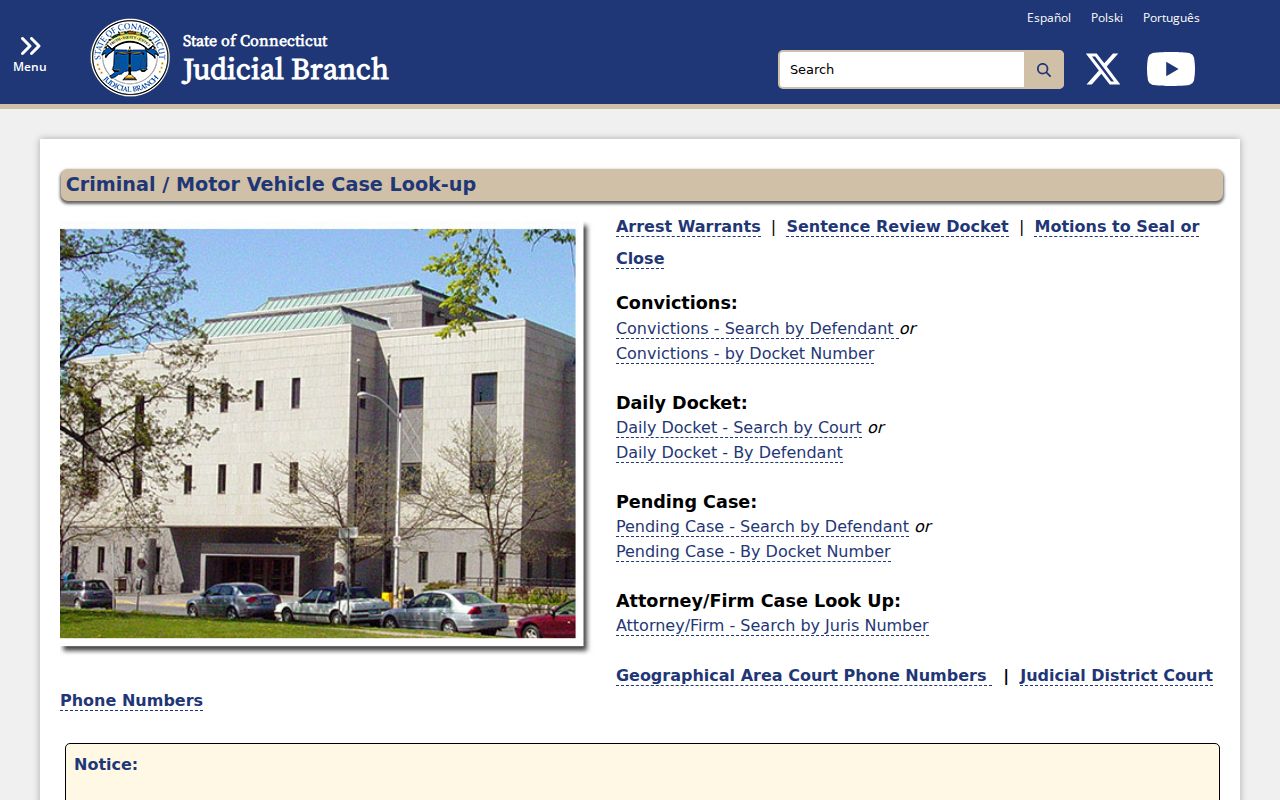
Use the portal as a finding aid, then obtain a clerk record when the result must be complete or certified.
Decode a Bridgeport CR Docket
A Bridgeport docket number carries practical routing clues. The location prefix identifies the originating court. “CR” means criminal, “MV” means motor vehicle, and “CI” identifies a criminal infraction. A two-digit year follows, then a seven-digit sequence. The ending can show whether the file stayed original, transferred, or was severed.
- S
- The original case designation.
- T plus a number
- A transfer suffix that can change where the file is verified.
- A
- A severed case designation.
- Disposition
- The court’s recorded outcome, such as dismissal, acquittal, or conviction.
Write down the whole docket. Leaving off a suffix can send a request to the wrong Bridgeport clerk. The Judicial Branch victim-services docket guide explains the number pattern and lookup use.
Inside a Bridgeport Case File
The public case file tracks prosecution, not merely the arrest. Online results summarize key fields, while the clerk may hold pleadings or orders that are not scanned for free web access. Ask for the exact docket and document, and state whether a plain or certified copy is needed.
| Court and docket | The assigned location and unique file number, including transfer suffixes. |
|---|---|
| Defendant | Name and limited identity details used to distinguish the case. |
| Charges | Filed statutes, counts, and classifications, which may differ from arrest charges. |
| Bond and plea | Release terms and the plea recorded by the court. |
| Events | Arraignment, hearings, motions, trial activity, and next appearance. |
| Outcome | Disposition, sentence, and later action that the public file may display. |
Note: A docket summary is useful, but only the clerk can provide the official Bridgeport court record or a certified disposition.
Bridgeport Court Help Desks
Online access is not the only channel. The Public Information Desk program provides public computers, telephones, a notary, forms, and language assistance. The first-floor Court Service Center at 1061 Main Street can help users locate forms and understand court procedure; its number is 203-579-7210. Staff cannot give legal advice.
The Bridgeport service desks are especially useful when a spelling issue, transfer, or older record defeats a web search.
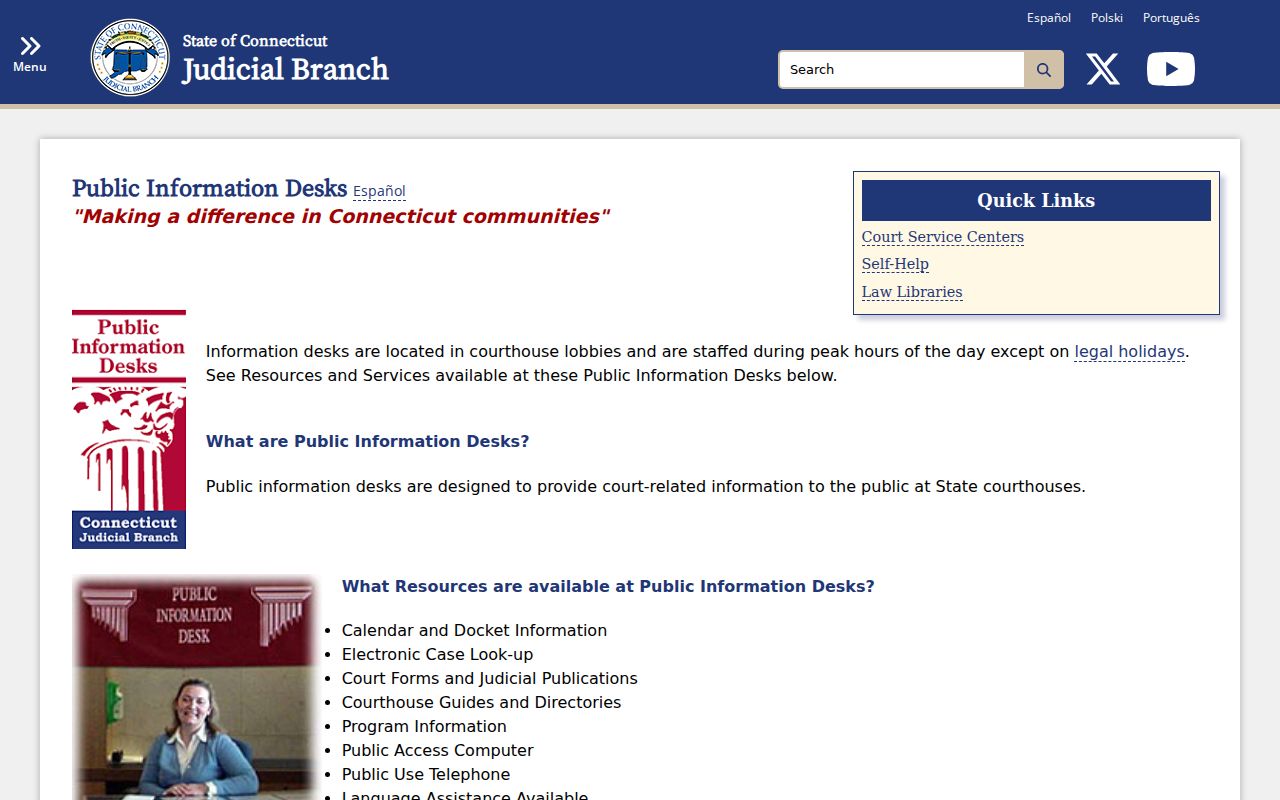
Bring the defendant name, birth date if known, docket number, and the specific document sought. Call ahead for current copy and certification fees because the reviewed official sources did not establish one blanket charge.
How a Criminal Case Moves
A Bridgeport arrest does not lock the case into its first charge. Police record alleged conduct, prosecutors decide what to file, and the court records each formal step. Some matters end early. Others move through motions, trial, and sentence.
Charges Filed → Arraignment → Pretrial → Plea or Trial → Disposition → Sentencing
At arraignment, the court advises the accused and addresses release terms. Pretrial events may include negotiation and motions. A disposition is the result of a charge. Sentencing follows a conviction when it is not imposed at the same event. Compare the final disposition with any police or SPBI entry when reviewing your own history.
One docket may contain several counts, and each count can have a different outcome. Read the disposition by count instead of reducing the case to one label. A dismissal on one charge does not describe another count, while a later amended charge can explain why the arrest report and final docket use different statutes.
Compare Bridgeport Court Searches
Connecticut separates current and completed matters into several lookup paths. The conviction-defendant interface is the best fit for a displayed final result.
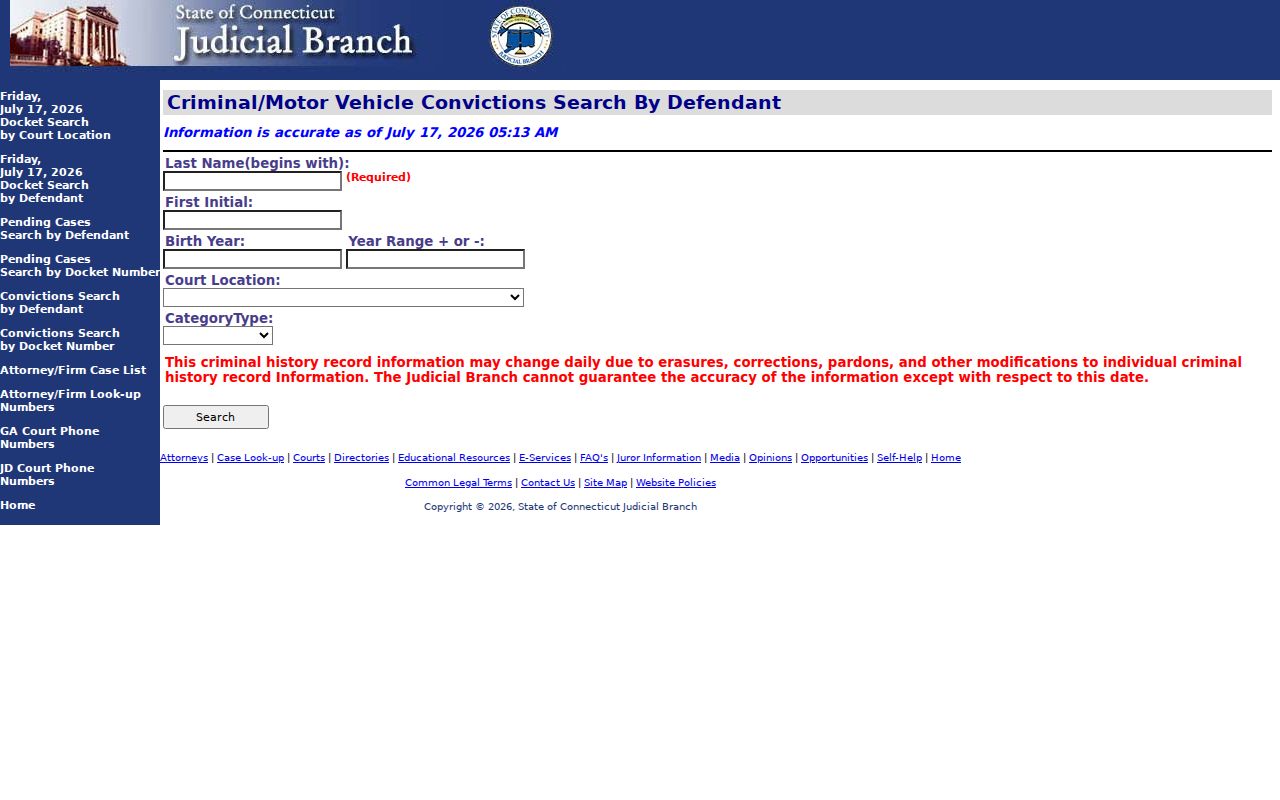
A pending-case search answers a different question. Daily dockets show scheduled activity, not a complete history, and a missing calendar entry does not erase the case. A conviction normally remains on the public website for ten years after sentencing, subject to earlier removal rules. Juvenile, youthful-offender, and infraction or violation convictions are excluded.
Case Record Access & Restrictions
The Judicial Branch display disclaimer says website data is not the official court record. Public display rules can remove a conviction even though the underlying history has not been erased. Connecticut erasure under CGS §54-142a can restrict qualifying records, while sealed warrants and confidential proceedings stay outside ordinary inspection.
For a certified disposition, contact the clerk at the court shown on the docket and request the exact case outcome. For a broader personal criminal history, use Connecticut SPBI rather than treating court search as a full background check. Federal prosecutions use the U.S. District Court and PACER, not Connecticut’s state portal.
Older displayed information also needs care. The public conviction lookup generally limits results to cases sentenced within ten years, and Practice Book display rules can remove entries sooner. An unvacated motor-vehicle bail forfeiture may appear as a conviction, while a non-motor-vehicle bail forfeiture does not. These portal rules are another reason to confirm a Bridgeport result with the clerk.
The official Part A and Part B profile illustrates the prosecution split.
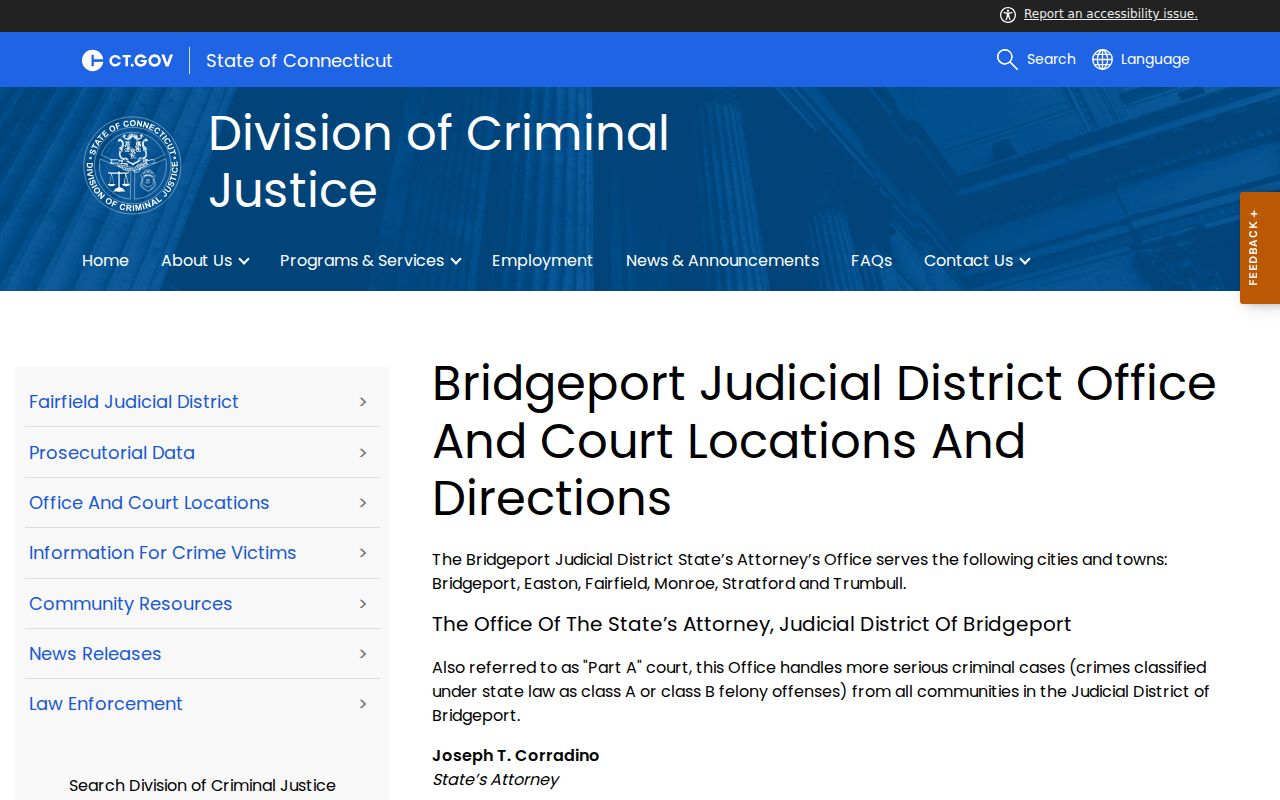
That split explains why the arrest location alone does not always identify the clerk who holds the final Bridgeport file.
Get a Certified Bridgeport Disposition
When online data is not enough, first capture the complete docket number and current court location. Call the appropriate clerk for procedure and current fees. Specify that the request is for a certified disposition if an authenticated outcome is required. The Chief Clerk line at Main Street is 203-579-6527; G.A. 2 inquiries can begin with its Public Information Desk at 203-362-0150.
Inspecting the source file also helps correct a mismatch in a personal SPBI history. Obtain the court proof, retain the request receipt, and follow the repository’s correction channel. Do not assume the court website will update every linked system at once.